ImageDetector.com: When Accessibility Meets Accuracy
ImageDetector.com is one of the more impressive AI image detection tools I've seen in 2026. Here's why:

John Angelo Yap
Updated February 27, 2026

Reading Time: 5 minutes
AI image detectors are having a moment.
Not because people suddenly became obsessed with “spot the fake,” but because synthetic images are now common in places that used to be boringly real — school submissions, marketplace listings, profile photos, even internal company decks.
At a glance, the need seems simple: upload an image and get an answer.
In practice, it’s messier. Images get compressed, cropped, screenshotted, filtered, and reposted. And detection tools can look confident even when they’re guessing.
ImageDetector.com positions itself as the low-friction solution: fast checks, no sign-up, and results that are easy to interpret. This review looks at what it offers, how it works, what it costs, and where it fits if you actually plan to use it.
What is ImageDetector.com?
ImageDetector.com is a web-based AI image detection tool. It’s designed to help users determine whether an image is AI-generated (or at least AI-like) without requiring accounts, setup, or technical knowledge.
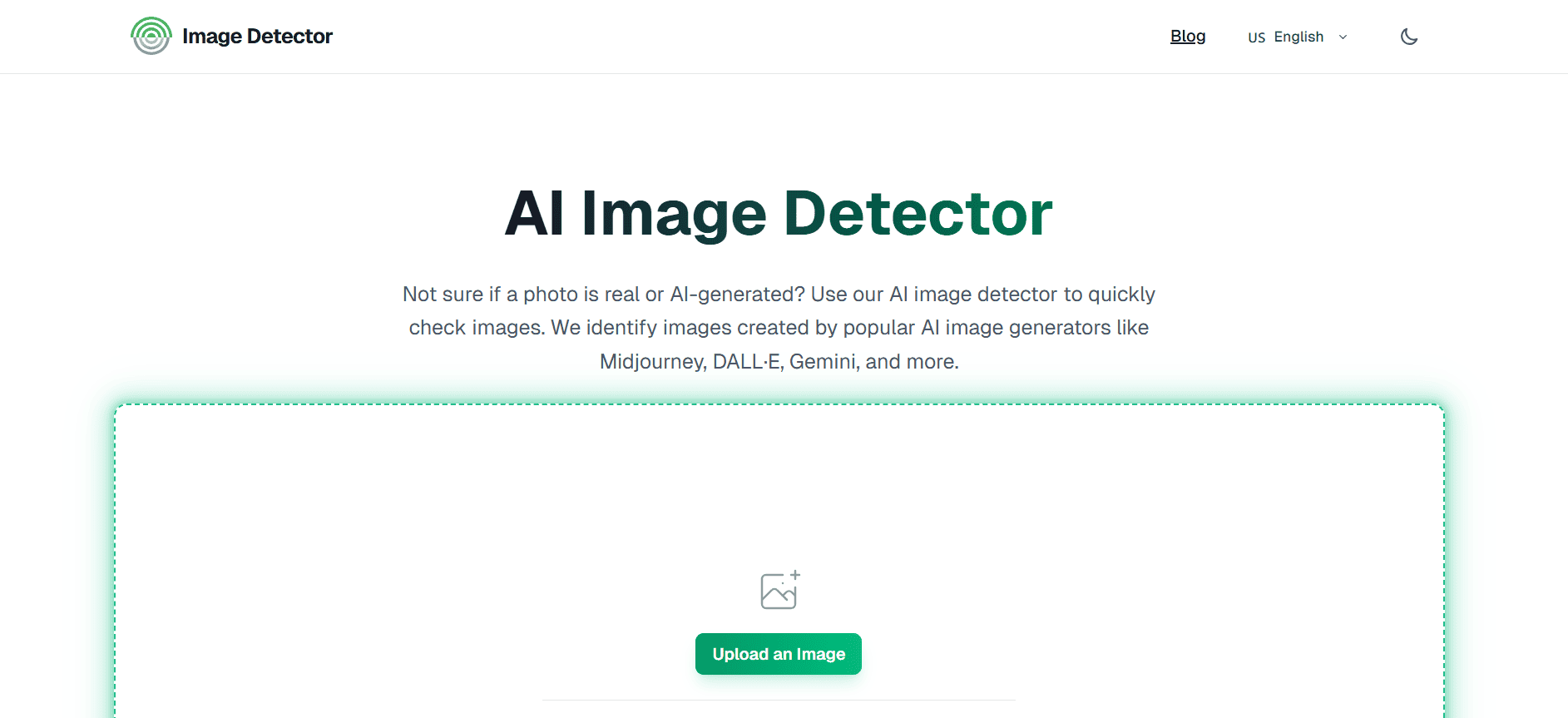
The pitch is straightforward: upload an image (or paste a link), and the tool returns a detection result quickly. It supports common formats such as JPG, PNG, and WEBP.
The positioning is also clear: this is not a full moderation platform. It’s meant to be a simple detector you can reach for when you need a quick signal.
Who is ImageDetector For?
ImageDetector feels built for people who need answers more than dashboards.
Teachers checking student visuals. Creators verifying images they plan to repost. Marketplace sellers making sure listing photos won’t raise flags. Even casual users trying to make sense of a suspicious viral image.
That matters because many “AI detection platforms” assume enterprise needs by default. ImageDetector doesn’t.
It aims to be the kind of tool you can use in a minute, then move on.
How Does ImageDetector Work?
The workflow is the entire product.
You upload an image, or paste an image URL. The detector runs, and you get a result. There aren’t a lot of side menus, complicated report views, or extra steps.
That simplicity won’t matter to everyone. But for most real use cases — especially in classrooms — it matters more than people admit.
There’s also an implied design choice here: ImageDetector is optimized for triage. It’s not trying to give you a forensic case file. It’s trying to help you decide whether the image deserves a second look.
Let's Talk Privacy for a Second
ImageDetector positions itself as privacy-first, but it’s worth understanding what that means in practical terms.
According to its privacy policy, uploaded images are processed using third-party infrastructure and stored according to retention policies. That’s not unusual for online upload tools, but it matters for classrooms and workplaces.
If you’re uploading student work, internal company material, or sensitive images, the safer approach is to treat any web detector as a potential data exposure point unless the tool explicitly supports stricter controls.
This isn’t unique to ImageDetector. But it’s the kind of detail people skip until it matters.
How Much Does ImageDetector Cost?
ImageDetector is positioned as free and accessible, with no sign-up requirement.
That matters because most users in this category are not evaluating detection tools as a long-term procurement decision. They just need a check — today.
Free tools are often dismissed as “less serious,” but that’s not always fair. If the output is solid and the workflow is reliable, free becomes a strategic advantage.
It lowers friction. It encourages responsible use. And it makes it easier for teachers and students to verify without escalating everything into an accusation.
So, Does ImageDetector.com Work?
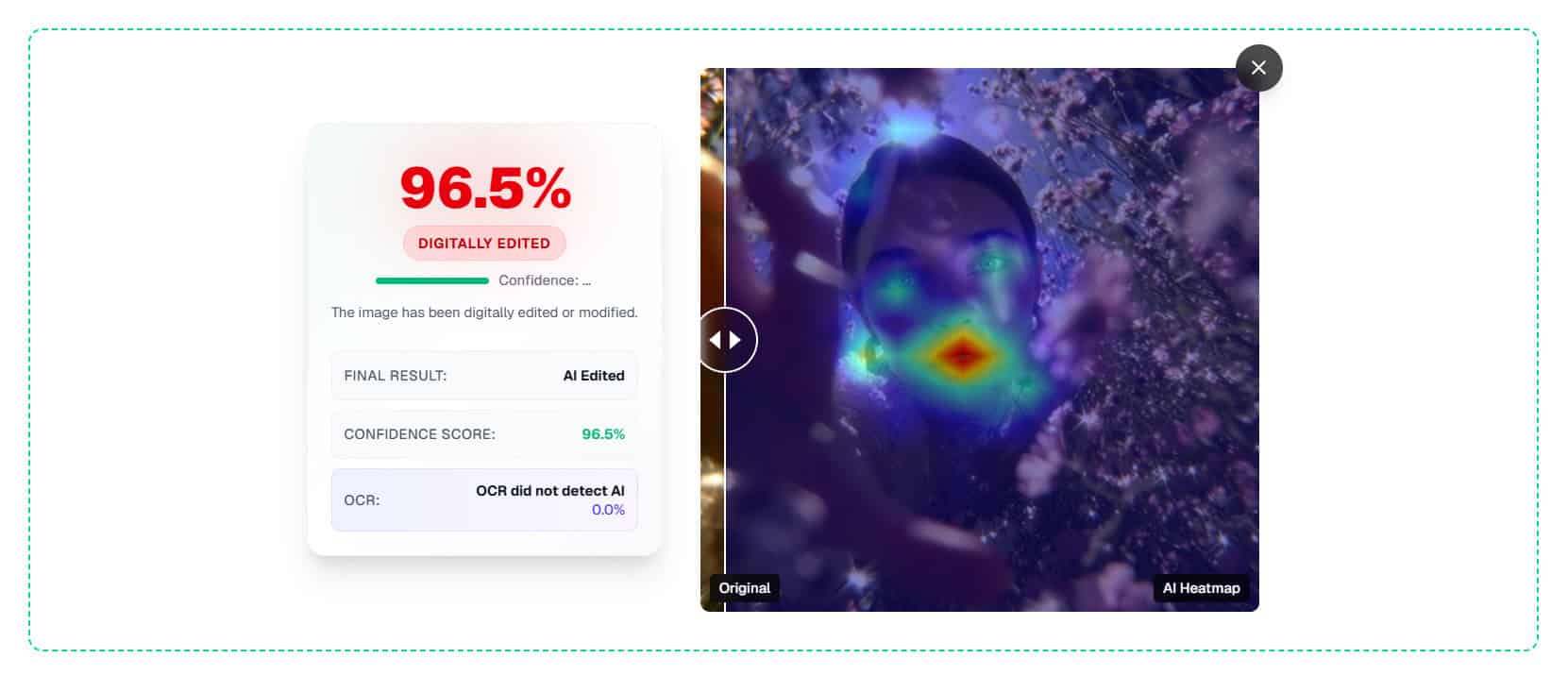
Test #1
Verdict: ImageDetector identifies image as AI-generated.
AI Likelihood Score: 96.5%
Test #2
Verdict: ImageDetector identifies image as AI-generated.
AI Likelihood Score: 99%

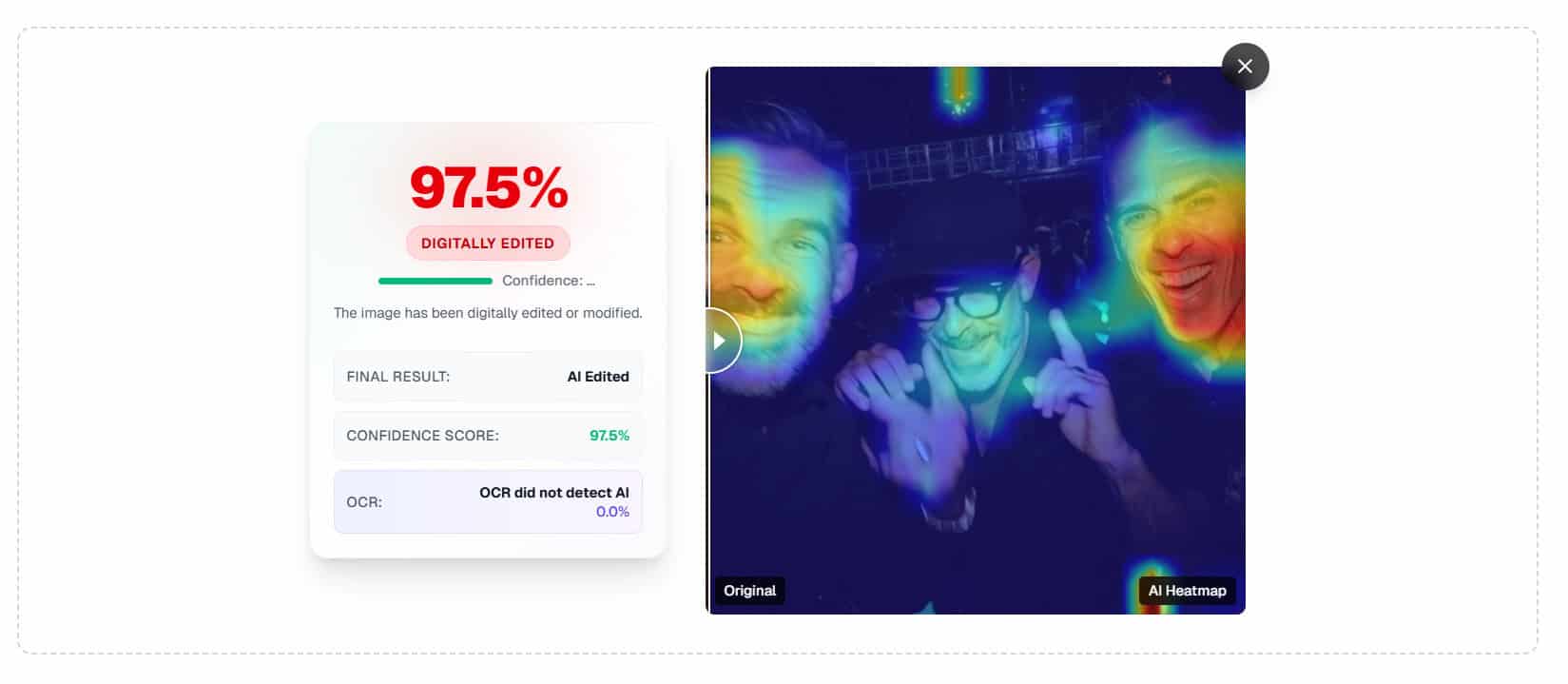
Test #3
Verdict: ImageDetector identifies image as AI-generated.
AI Likelihood Score: 97.5%
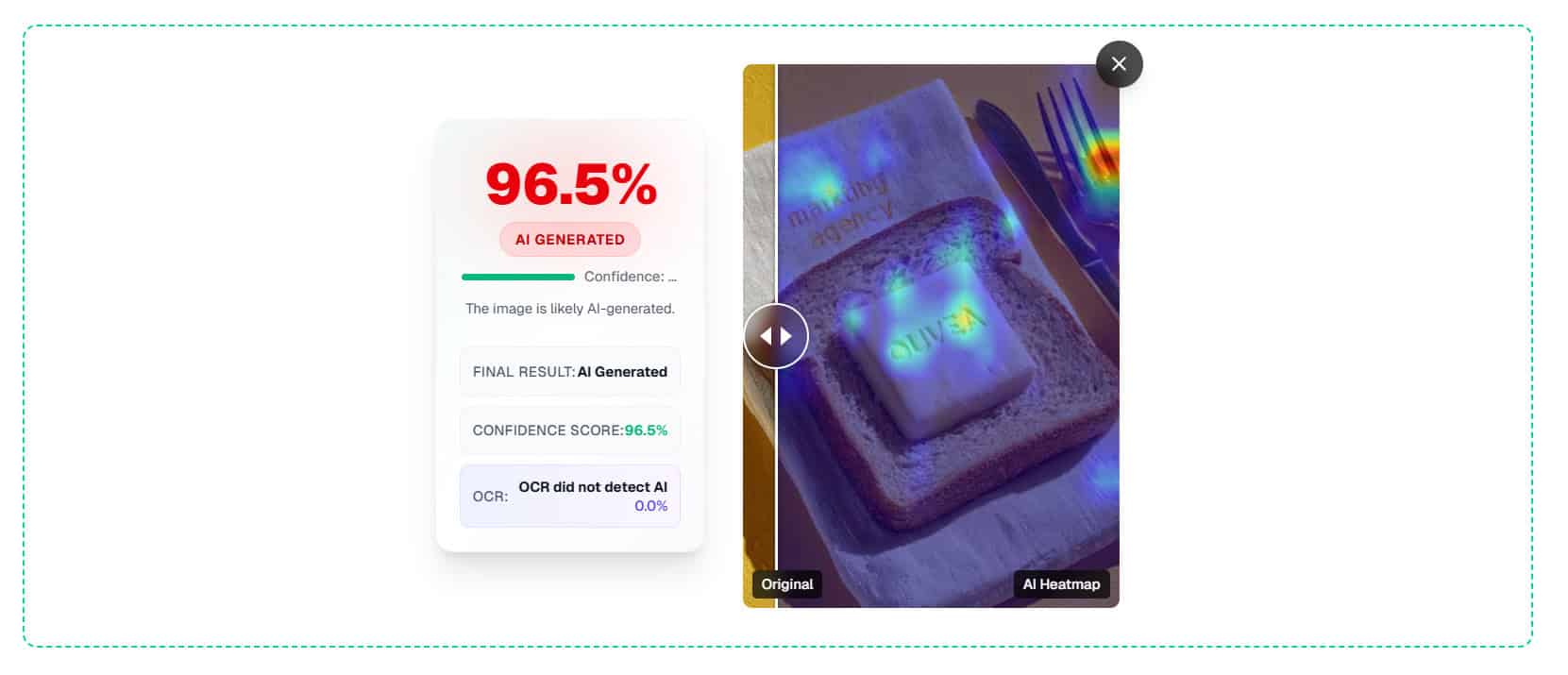
Test #4
Verdict: ImageDetector identifies image as AI-generated.
AI Likelihood Score: 96.5%
Test #5
Verdict: ImageDetector identifies image as AI-generated.
AI Likelihood Score: 97.5%
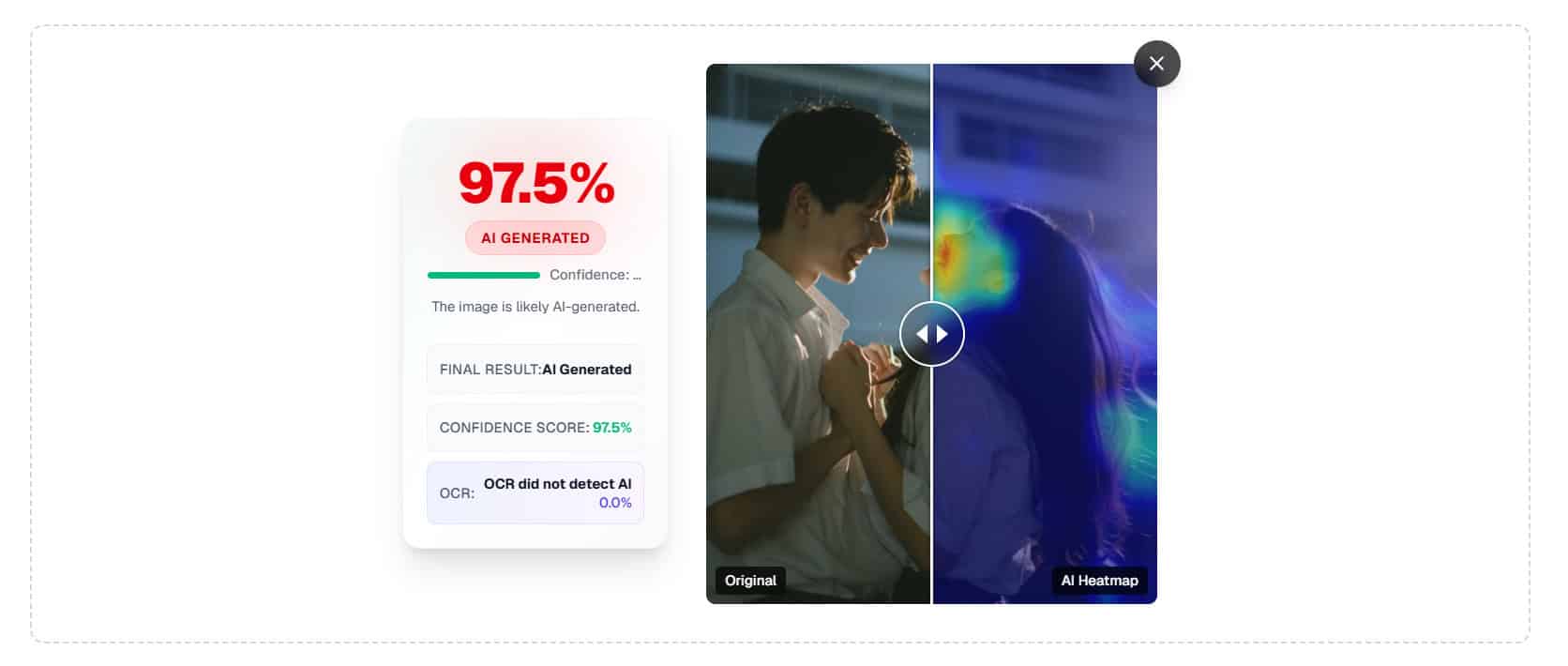
Test #6
Verdict: ImageDetector identifies image as AI-generated.
AI Likelihood Score: 97.5%
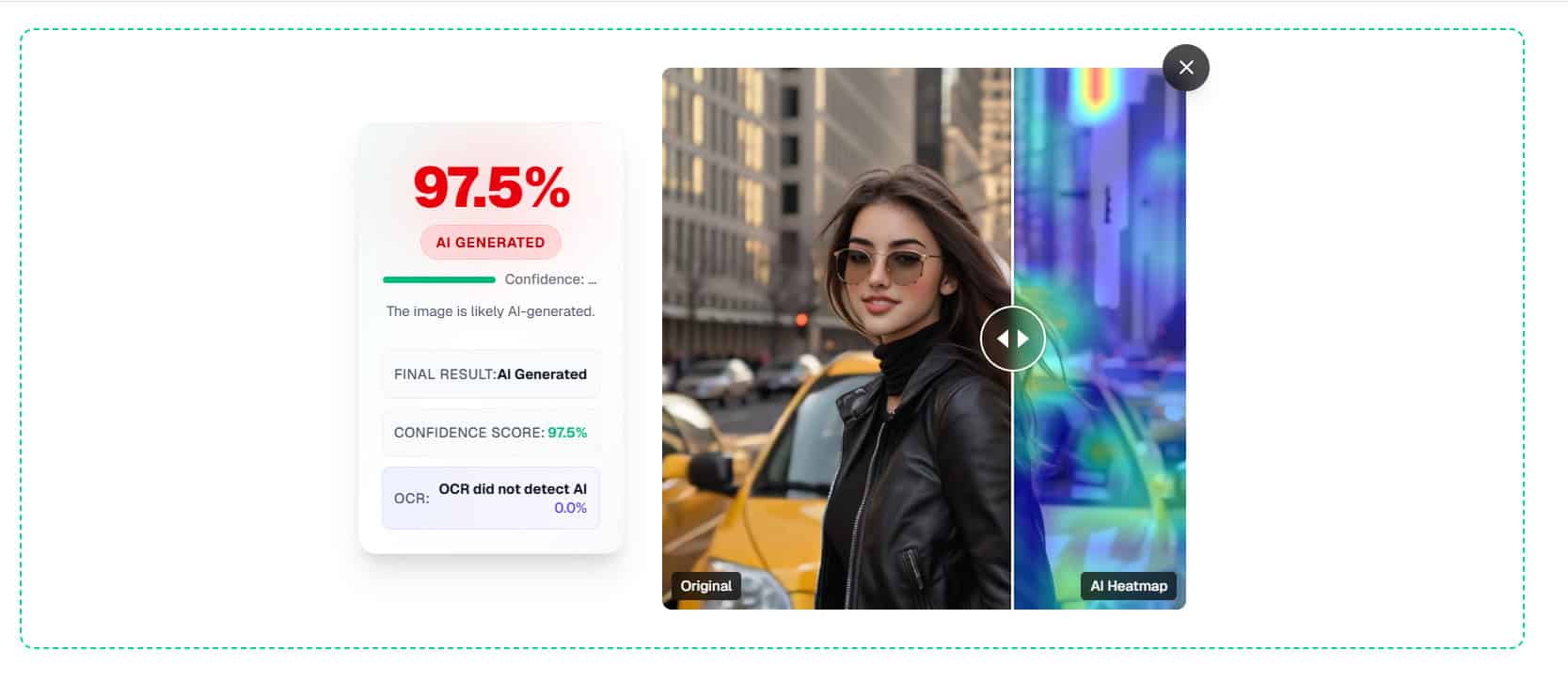
Test #7
Verdict: ImageDetector identifies image as AI-generated.
AI Likelihood Score: 99%
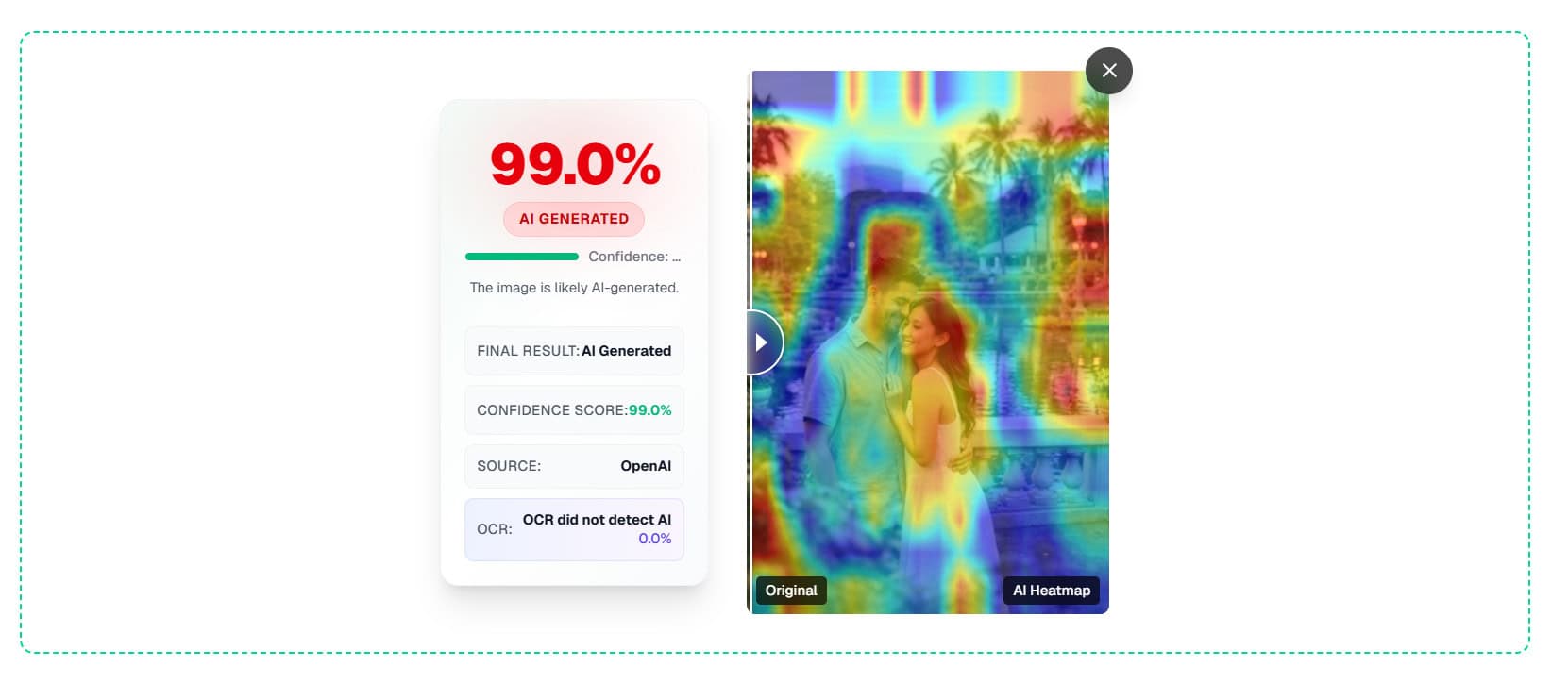
Average Score
Test Number | ImageDetector |
#1 | 96.5% |
#2 | 99% |
#3 | 97.5% |
#4 | 96.5% |
#5 | 97.5% |
#6 | 97.5% |
#7 | 99% |
Score | 97.64% |
The Bottom Line
ImageDetector.com is one of the more practical AI image detectors because it doesn’t ask for commitment.
It’s fast, free, and simple enough that you’ll actually use it when you need it. And in this category, that matters — a tool that’s slightly “better” but harder to reach for often loses in real life.
In my seven-item test set, ImageDetector averaged 97.64%, and the scores were consistently high across runs. That’s not a guarantee it will never miss, especially on messy edge cases like screenshots, heavy compression, or edited images. But it’s a strong signal that the tool does what it claims under normal conditions.
If you want a detector you can reach for instantly and trust most of the time, ImageDetector is worth keeping in your toolkit.
Want to Learn Even More?
If you enjoyed this article, subscribe to our free newsletter where we share tips & tricks on how to use tech & AI to grow and optimize your business, career, and life.