ImageDetector vs WasItAI: Which AI Image Detector Is More Accurate?
AI image detection tools can be accurate and still be annoying. This head-to-head looks at ImageDetector vs WasItAI through the lens of real usage, not feature lists.

John Angelo Yap
Updated February 25, 2026

Reading Time: 3 minutes
AI image detection sounds like a solved problem until you actually use it.
Sometimes the image is obviously synthetic. Sometimes it’s a screenshot of a screenshot, compressed into oblivion, and still somehow “too perfect.” And sometimes it’s a real photo that gets flagged because the lighting or texture looks unusual.
That’s the awkward reality: these tools are useful, but they’re not courts of law. They’re signals.
This article compares ImageDetector and WasItAI specifically on AI image detection capability — what they claim to do, how they fit into real workflows, and what tradeoffs show up once you stop reading landing pages and start thinking about usage.
What is ImageDetector?
ImageDetector is a browser-based AI image detector built around one idea: make the check frictionless.
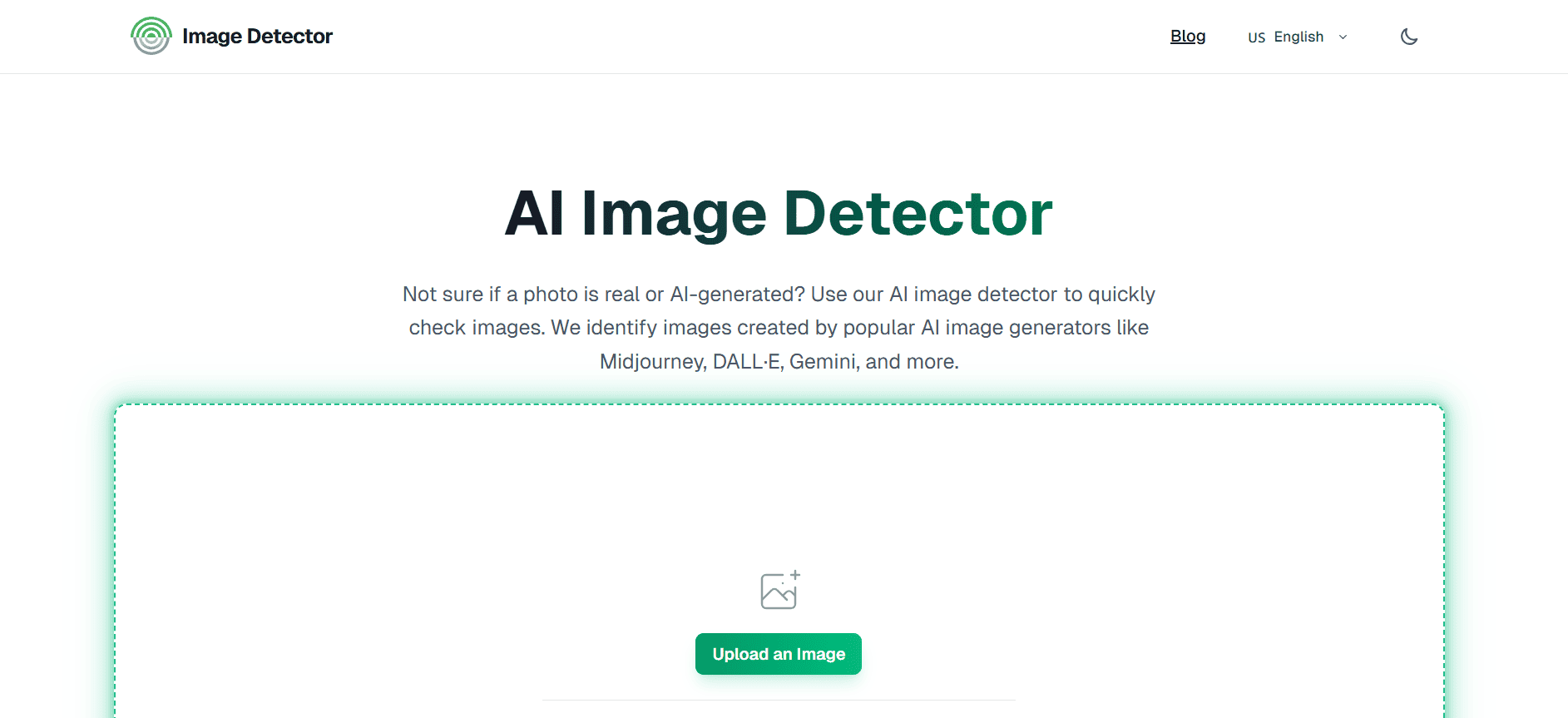
You upload a photo or paste an image link, and it returns a result. It supports common formats like JPG, PNG, and WEBP.
The platform also leans hard into “privacy-first” framing, and it positions itself as something you can use quickly without onboarding or setup overhead.
What is WasItAI?
WasItAI is also an AI image detector, but it’s positioned a bit differently.
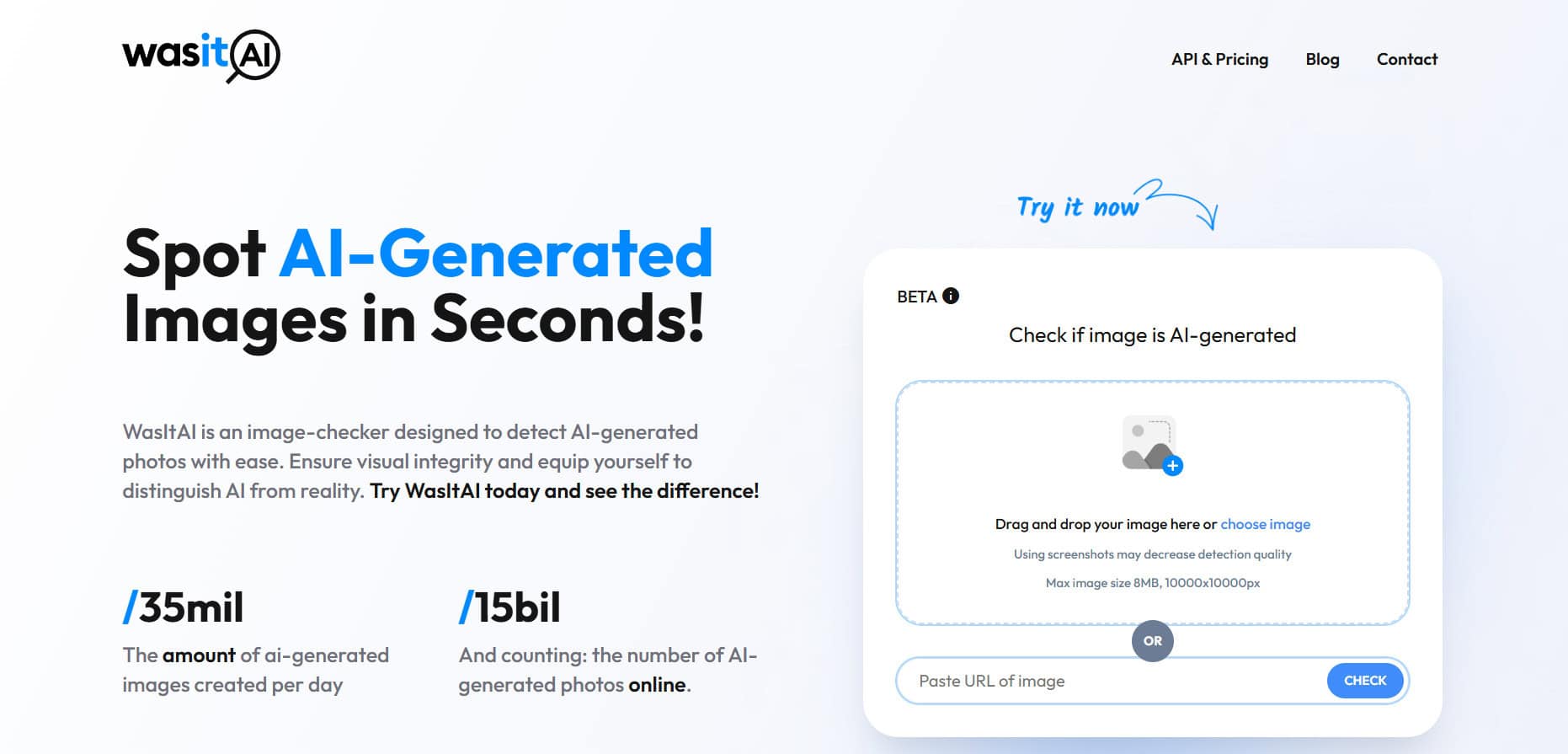
The front page frames it as an “image-checker” designed to spot AI-generated photos quickly — the same broad promise, but with a more “verification tool” tone than a general consumer utility.
Where it starts to diverge from ImageDetector is in the product shape around it. WasItAI offers an API with a published entry price tier — $4/month for 100 requests — and explicitly mentions confidence scores in the API response and even a custom tier that can include on-prem installation.
That’s usually a sign the tool expects to be used beyond one-off checks.
Where Do They Differ?
Both tools answer the same question: “Is this image AI-generated?”
The difference becomes clear when you look at who each tool is built for.
ImageDetector feels like a fast, casual check — the kind you reach for when you don’t want to make a decision heavier than it needs to be.
WasItAI feels like it’s trying to be both a simple web checker and an infrastructure option — especially with its API, pricing tiers, and on-prem mention.
ImageDetector.com vs. WasItAI: AI Image Detection
Test #1
Verdict: ImageDetector identifies image as AI-generated.
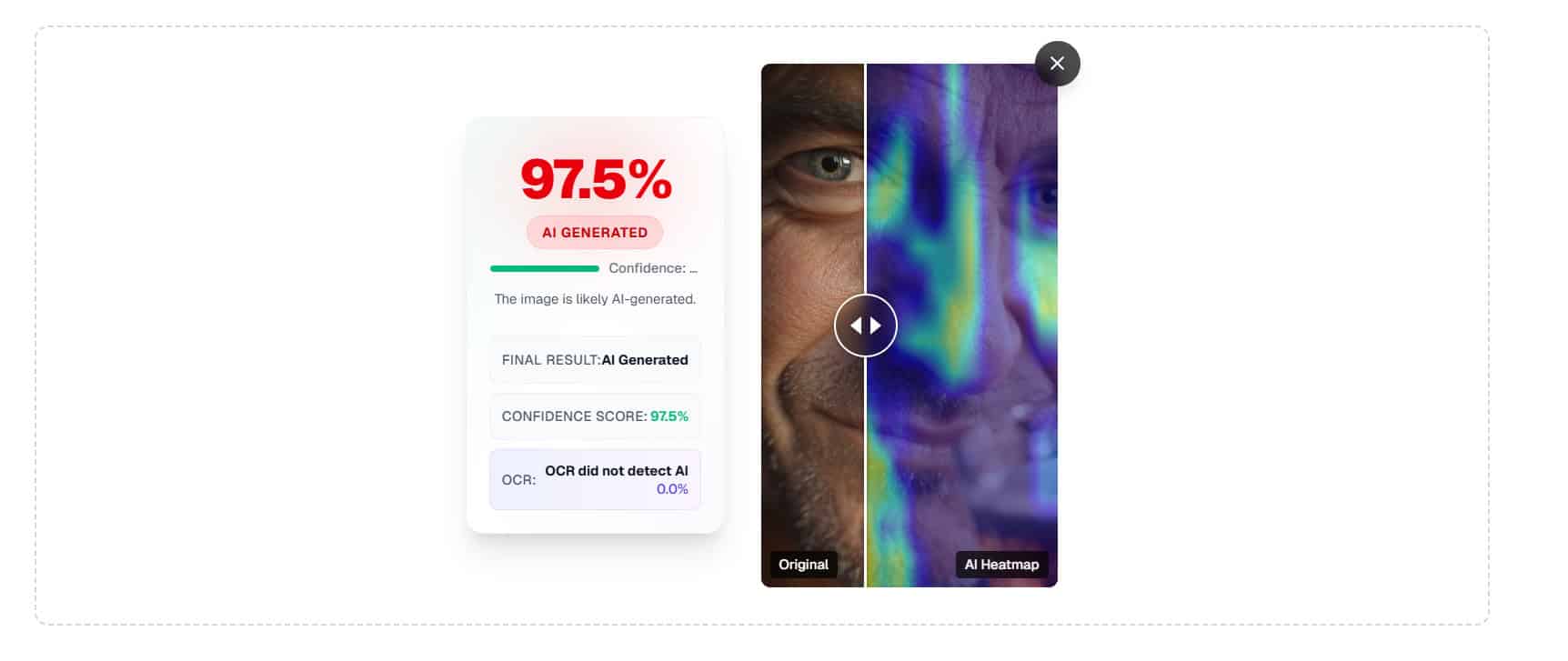
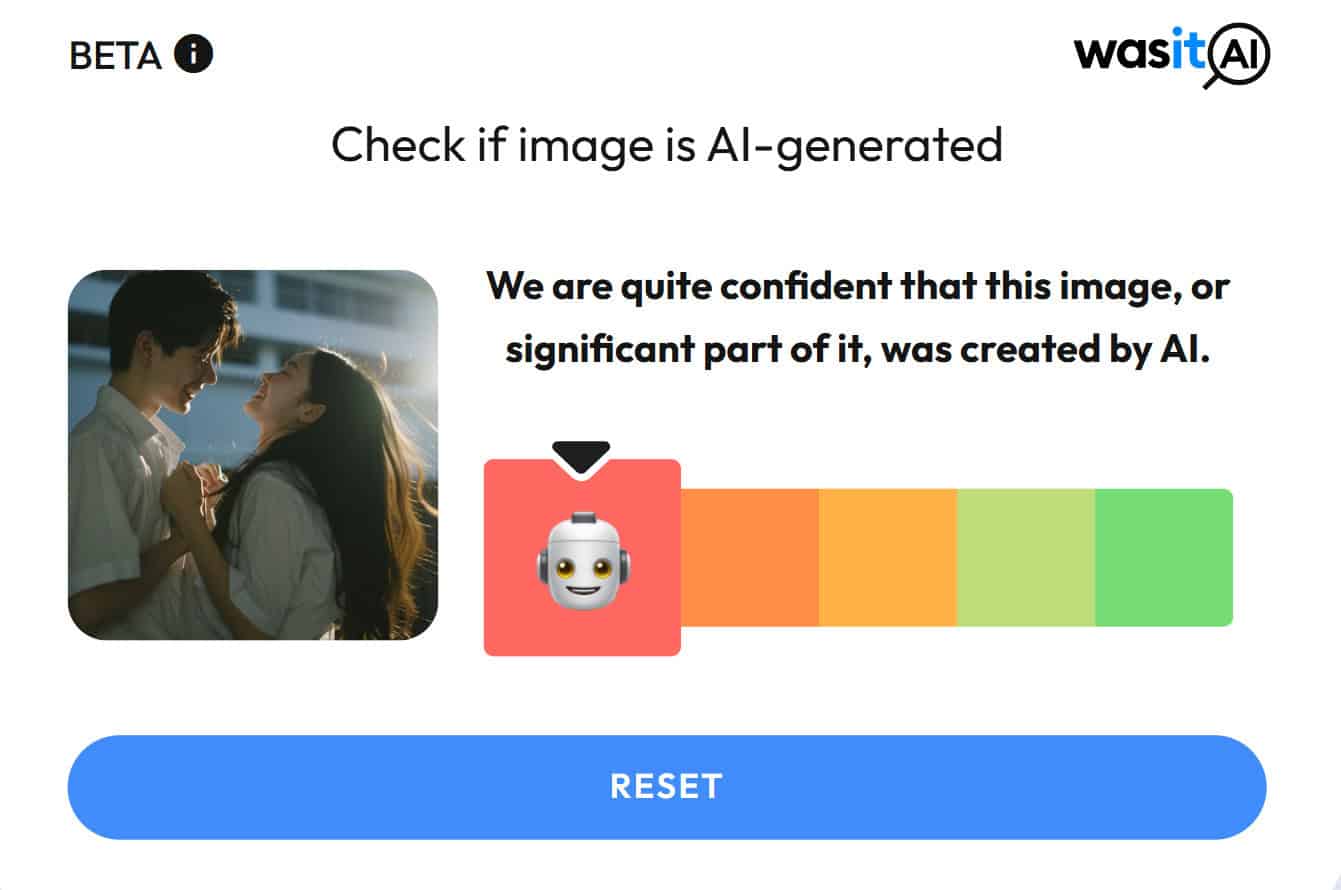
Verdict: WasItAI identifies image as AI-generated.
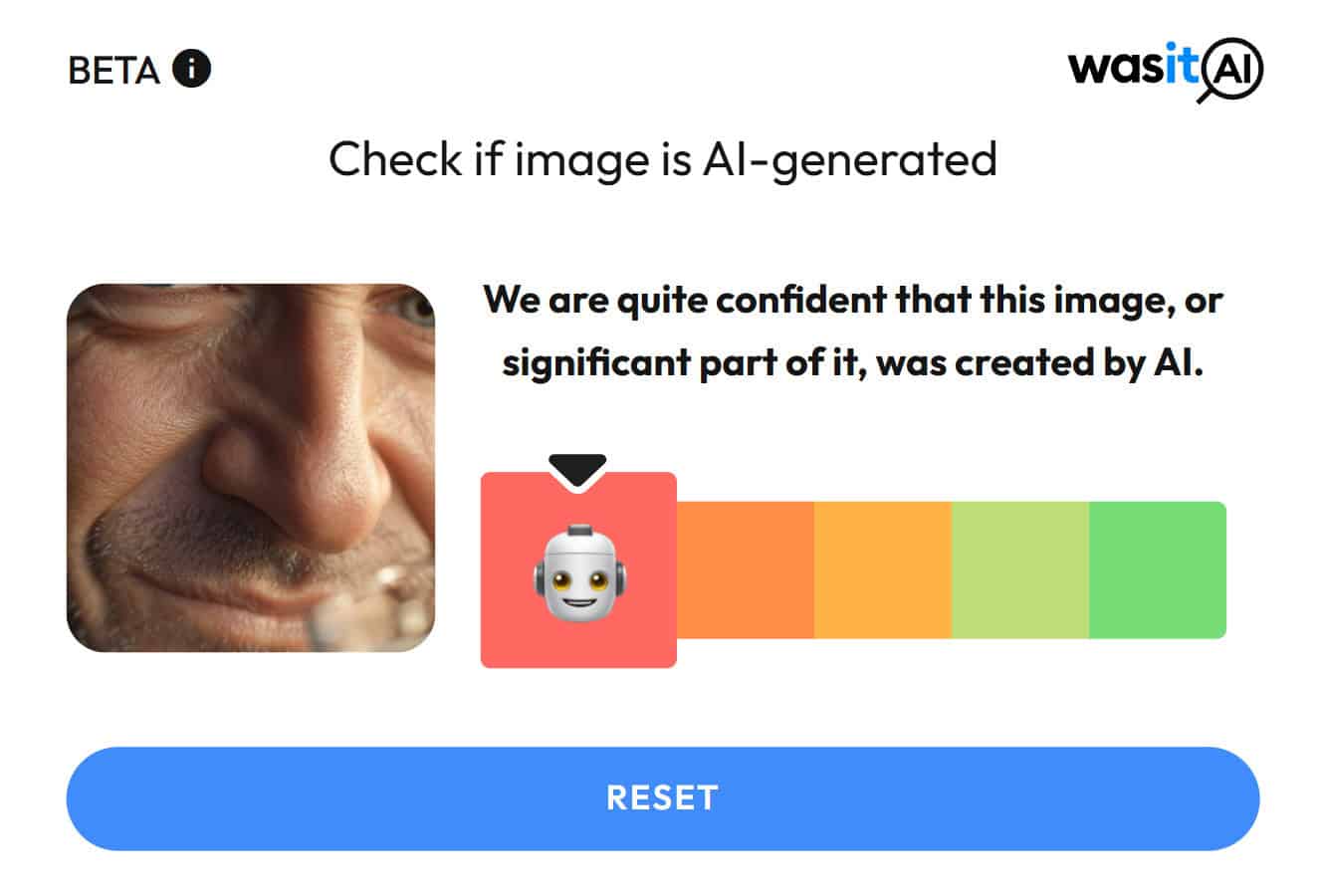
Test #2
Verdict: ImageDetector identifies image as AI-generated.
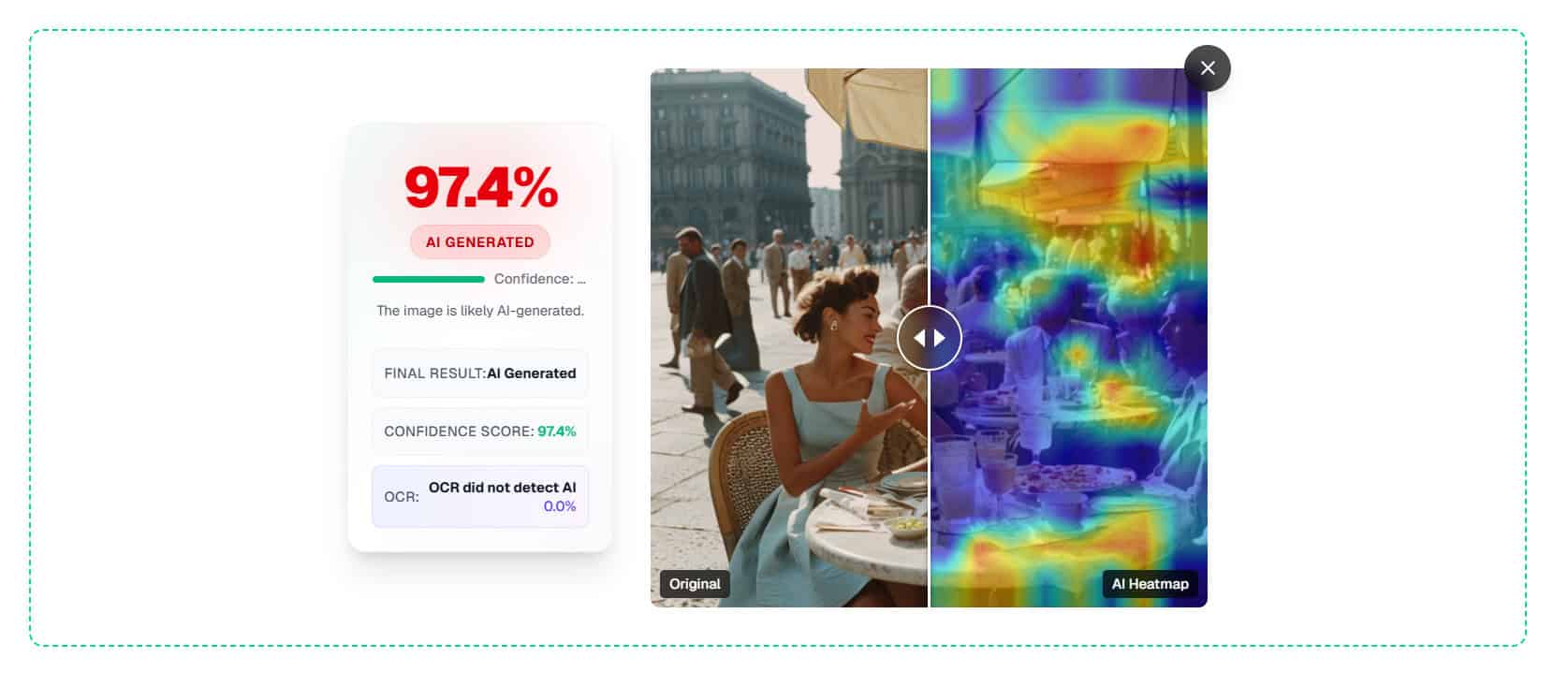
Verdict: WasItAI identifies image as AI-generated.
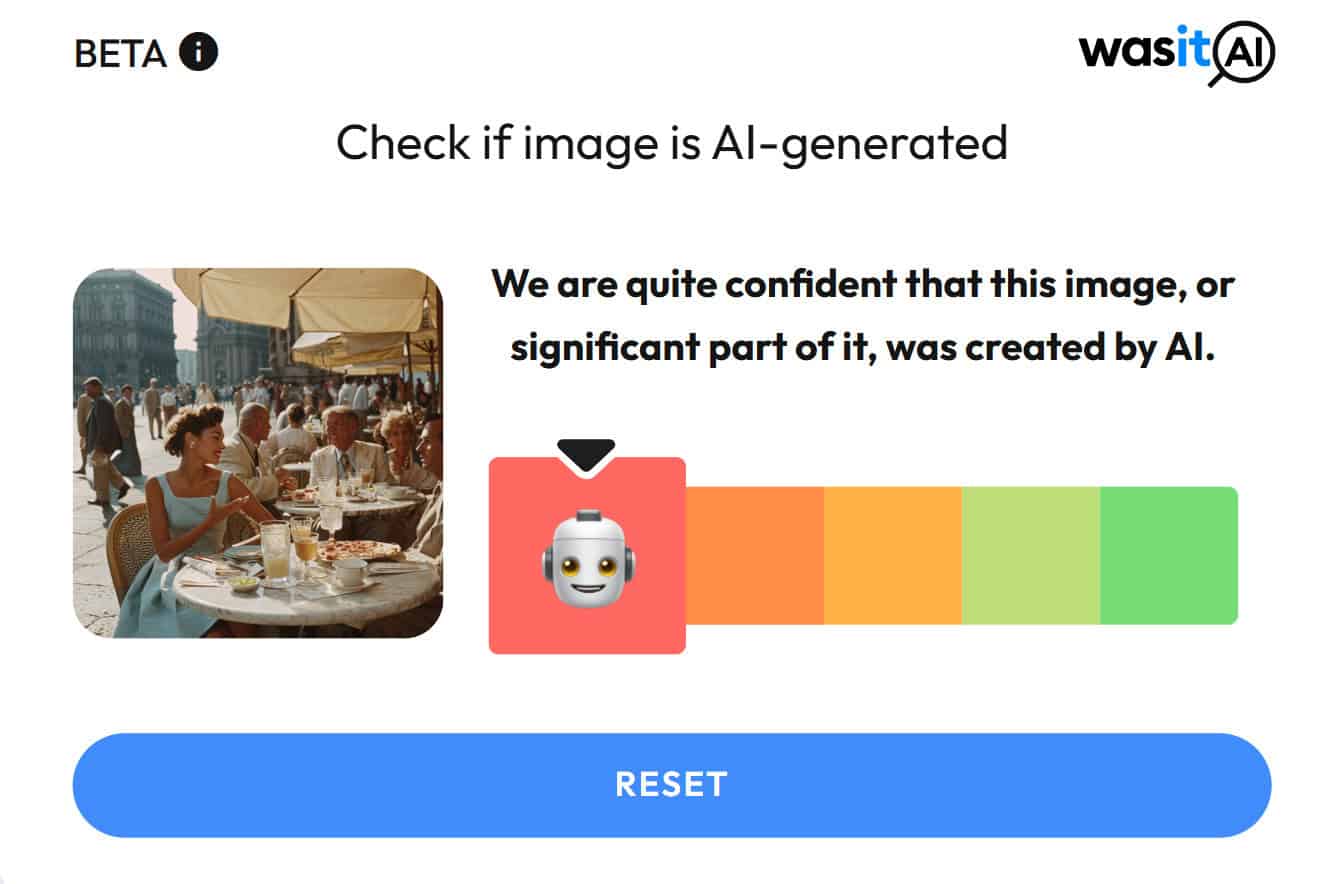
Test #3
Verdict: ImageDetector identifies image as AI-generated.
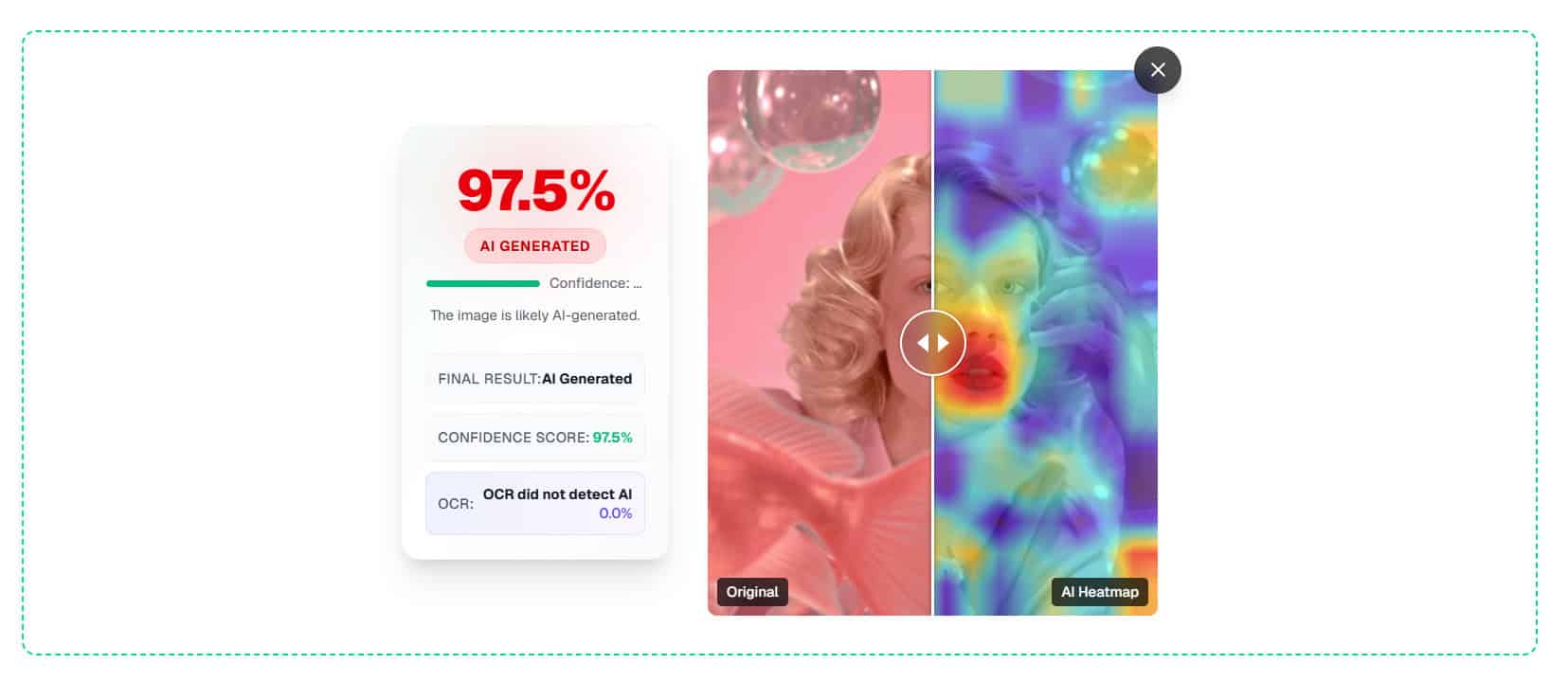
Verdict: WasItAI identifies image as AI-generated.

Test #4
Verdict: ImageDetector identifies image as AI-generated.
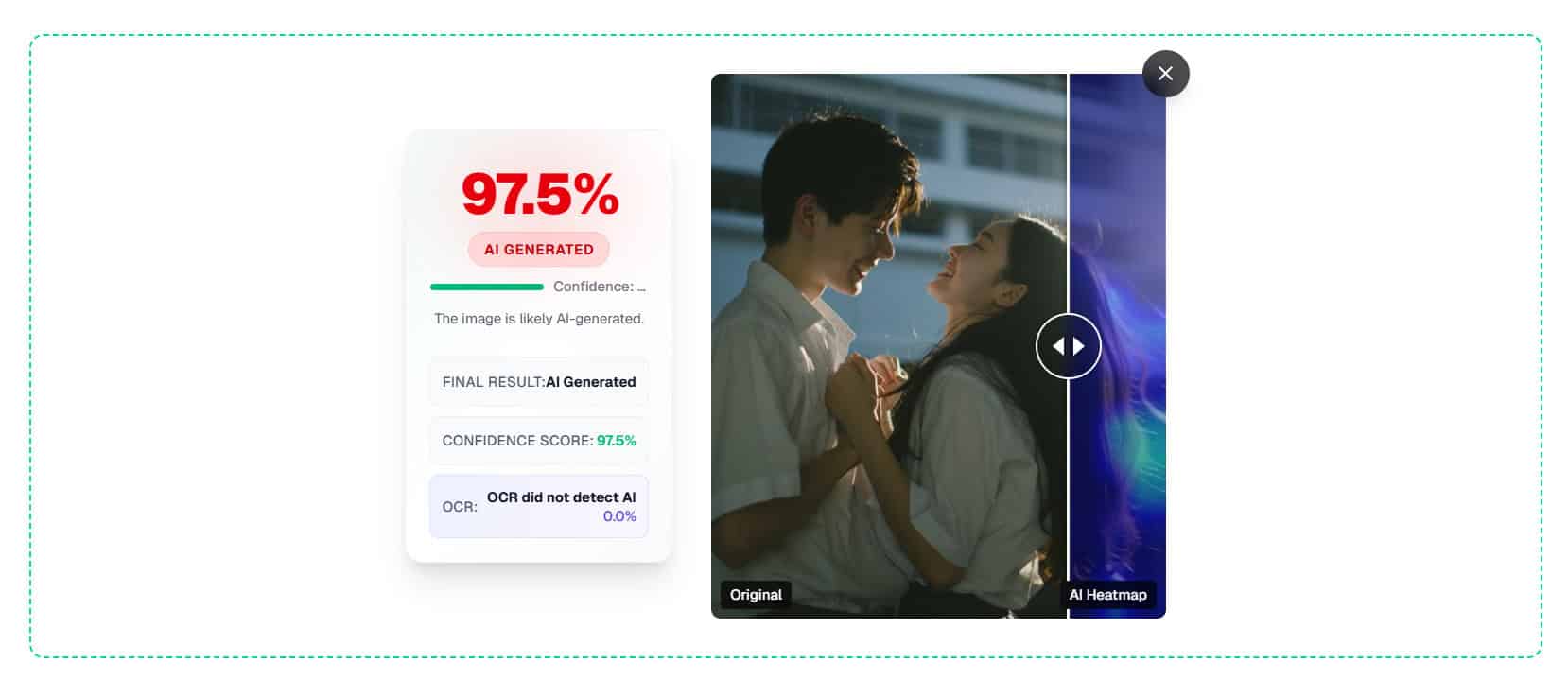
Verdict: WasItAI identifies image as AI-generated.
Test #5
Verdict: ImageDetector identifies image as AI-generated.

Verdict: WasItAI identifies image as AI-generated.

How'd They Do?
Test Number | ImageDetector | WasItAI |
#1 | Correct ✔️ | Correct ✔️ |
#2 | Correct ✔️ | Correct ✔️ |
#3 | Correct ✔️ | Correct ✔️ |
#4 | Correct ✔️ | Correct ✔️ |
#5 | Correct ✔️ | Correct ✔️ |
Score | 100% | 100% |
The Bottom Line
In my five-item test set, both ImageDetector and WasItAI landed at 100% accuracy.
On paper, that makes this a tie. And to be fair, it is — at least within the limits of a small sample.
The difference is everything around the score.
ImageDetector still feels like the stronger everyday pick because it’s built for the exact way most people use image detectors: quick upload, quick signal, no setup, no decision fatigue. When accuracy is already maxed out, that friction (or lack of it) becomes the deciding factor.
WasItAI remains a solid option, especially if you want an API path or you’re thinking about integrating detection into a system. But for most classroom or casual verification workflows, ImageDetector is easier to reach for — and that’s what makes it more useful in practice.
Want to Learn Even More?
If you enjoyed this article, subscribe to our free newsletter where we share tips & tricks on how to use tech & AI to grow and optimize your business, career, and life.


