Instantly vs QuickMail - Which Cold Email Platform Fits You Best?
QuickMail and Instantly both sell volume-based cold email with unlimited senders. We compare pricing, lead sourcing and agency features to help you pick.

Justin Gluska
Updated August 15, 2026
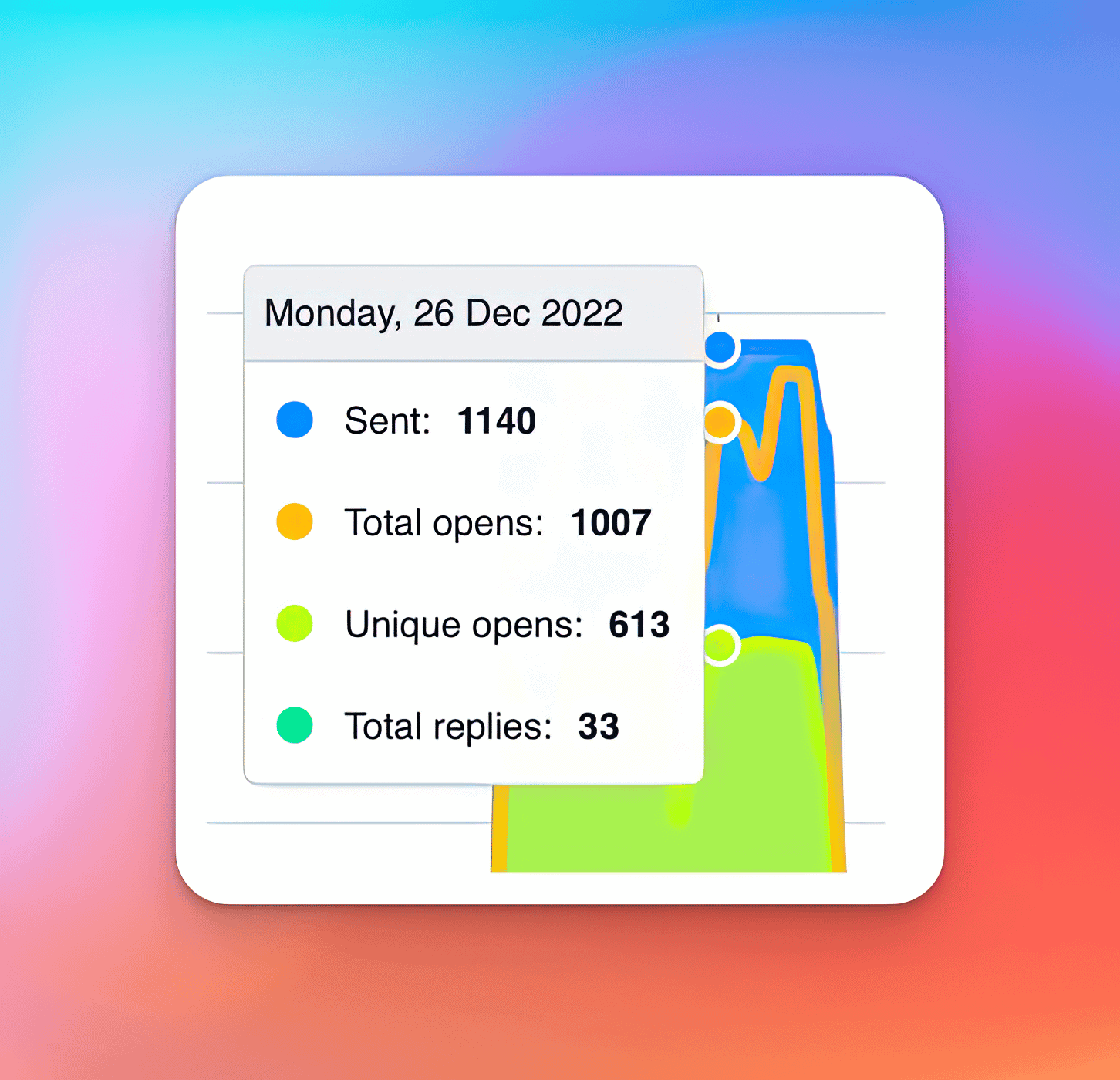
Instantly.ai campaign overview
Reading Time: 6 minutes
QuickMail wasn't on our shortlist when we picked a sending tool a few years back – we went from Lemlist to Instantly & mostly stopped looking. But it comes up often enough in agency circles that it deserves a real look next to Instantly. Both tools chase a similar type of user, too: teams who want to send high volume without paying per seat.
Here's the TLDR: if you're running high email volume across a lot of domains & want a built-in database of 450M+ B2B contacts so you're not sourcing every lead by hand, Instantly is the stronger fit. If you're a lead gen agency running LinkedIn & email together for a handful of clients & want inbox rotation baked into the platform without configuring it yourself, QuickMail is genuinely worth a look. These two overlap more than most Instantly comparisons we've written — the rest of this article is about figuring out which camp you're actually in.
What Each Tool Actually Is
Instantly launched in 2021 out of Tallinn, Estonia, & founders Reio Suun & Nils Schneider built a lot of it in public on Twitter — part of why it has such a large, loud community around it today. Every plan comes with unlimited email accounts & unlimited warmup, so scaling means adding domains, not adding seats. On top of sending, it layers automated warmup, a unified inbox (Unibox), A/Z testing, bounce detection, AI reply agents that sort responses by intent, & a separate lead database of 450M+ B2B contacts you can pull straight into campaigns.
QuickMail (quickmail.com) positions itself explicitly as built for lead gen agencies, & it shows in the product. Email & LinkedIn outreach live inside the same campaigns instead of being bolted together, sending gets spread across your connected mailboxes automatically through a branded Inbox Rotation™ feature, & a "Deliverability AI" swaps sending accounts on the fly when one starts underperforming. There's also a "Reword with AI" tool for copy variants. Warmup runs through a native MailFlow integration that's free for up to 50 inboxes, & separate workspaces let agencies keep client accounts cleanly split apart — 1 workspace on the entry two plans, 2 on Agency (extra workspaces run $49/mo each).
Pricing - The Real Difference
This is where it gets interesting — the two are a much closer match than we expected going in. Both charge based on contacts & email volume rather than seats, & the entry & mid tiers land almost dollar-for-dollar the same:
| Plan | Monthly Price | Contacts | Emails/mo | Notable Detail |
|---|---|---|---|---|
| Instantly Growth | $47 | 1,000 | 5,000 | Sending only, no lead credits included |
| Instantly Hypergrowth | $97 | 25,000 | 125,000 | Sending only |
| Instantly Light Speed | $358 | 100,000+ | 500,000+ | Adds private deliverability network |
| QuickMail Starter | $49 | 1,000 | 5,000 | Unlimited email + LinkedIn senders, 1 workspace |
| QuickMail Growth | $99 | 25,000 | 100,000 | Adds API access, priority support |
| QuickMail Agency | $299 | 100,000 | 500,000 | 2 workspaces (+$49/mo per extra) |
At the top end, QuickMail's Agency plan actually edges out Instantly's Light Speed plan on raw volume for less money ($299 vs. $358) — though Light Speed adds a private deliverability network that QuickMail doesn't have a stated equivalent for. The bigger gap is lead sourcing. None of the Instantly sending plans above include contacts to email — that's a separate credit-based database (Growth Credits at $47/mo for 1,500 credits, up through Hyper from $197/mo), or you bundle sending + credits together in one plan (Starter bundle $94/mo, Scale $194/mo — the most popular, adding the AI Reply Agent, Unibox & advanced deliverability — or Agency at $555/mo, all with roughly 10% off annually). QuickMail has no equivalent database sitting behind its price tags; you bring your own list, or lean on their LinkedIn ICP filters to start some conversations without one. Instantly's straight sending plans also knock off roughly 20% for annual billing (Growth drops to $37.60/mo); as of this writing, QuickMail's pricing page only shows monthly billing, with no annual option listed.
Where QuickMail Wins
If your agency runs LinkedIn outreach alongside email for the same prospect list, QuickMail's multichannel setup is genuinely better than running two separate tools & trying to sync them yourself. Inbox Rotation™ & the account-swapping deliverability AI also mean less manual babysitting once campaigns are live — you're not the one deciding which mailbox sends next, it's handled for you. The "built for lead gen agencies" positioning isn't just marketing copy either; the workspace structure & unlimited LinkedIn accounts on every plan (including the $49/mo entry tier) are genuinely useful if you're managing outreach for a handful of clients rather than running one brand at massive scale. & because pricing is monthly-only with a 14-day free trial & no long-term contract, it's a lower-commitment way to test whether multichannel outreach actually moves the needle for your list before you scale spend.
Where Instantly Wins
Unlimited email accounts used to be Instantly's clearest edge over per-seat tools — but QuickMail also gives you unlimited senders on every plan, so that's not really the dividing line here anymore. The real gap is scale & lead sourcing. Instantly's 450M+ contact database means you're not manually building every list from scratch, the Light Speed plan gives you a much higher ceiling with a private deliverability network attached, & annual discounts apply across both the sending & database product lines. There's also just more built up around it — years of build-in-public content, a bigger community, & integrations with Zapier, HubSpot, Google Sheets & Pipedrive plus a full API. We bought our first yearly plan during a Black Friday promo & have renewed every year since — about four years running now. Our biggest early complaint was contact management, which dynamic lists & tagging eventually fixed; that's the kind of gap that shows up & gets addressed as a product matures at scale. If you want the fuller breakdown, we cover it in our Instantly review & pricing breakdown.
Which One Is Right For You?
Pick Instantly if you're scaling raw sending volume across a lot of domains & want a lead database bundled in so you're not sourcing every contact by hand — that's most agencies & teams pushing serious cold email volume, which is exactly the position we were in when we made the switch. Pick QuickMail if you're running LinkedIn & email together for a smaller set of clients, already have your own lead lists or a CRM feeding contacts in, & want inbox rotation handled natively without configuring it yourself. If you're somewhere in between — running a little LinkedIn, mostly email, unsure how big you'll scale — start with whichever free trial answers your immediate question fastest, then reassess in a few months once you actually know your volume.
Neither tool is going to embarrass you here — they're both built by people who understand deliverability, not generic all-in-one platforms that bolted cold email on as an afterthought. If you want more options beyond these two, we keep an updated list in our best cold email tools roundup, & our Instantly vs Lemlist comparison covers the tool we used before Instantly, if that history is useful context. Regardless of what you use, we hope this helped you figure out which camp you're in — best of luck & happy emailing!
Want to Learn Even More?
If you enjoyed this article, subscribe to our free newsletter where we share tips & tricks on how to use tech & AI to grow and optimize your business, career, and life.